Free start
Register your gym and start using Qawi at no cost.
Gym management app
Members, subscriptions, check-ins and coaches in one place. Qawi is one app for gym owners, coaches and members, and owners can also manage the gym from the web.
Already registered? Log in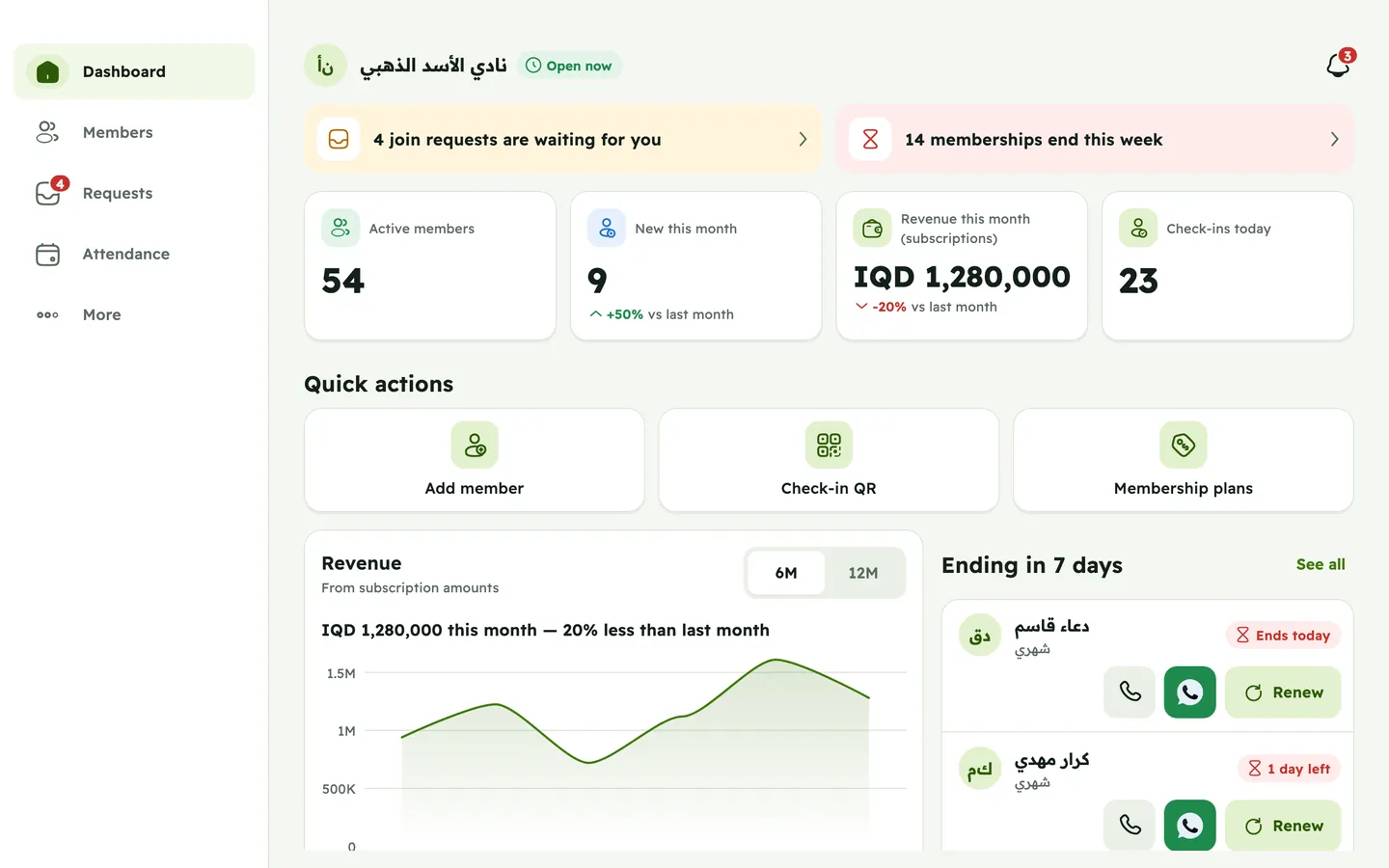
The problem
Most gyms still run on notebooks, Excel and WhatsApp. Qawi puts it all in one simple system.
Before: Member lists in a notebook or an Excel file
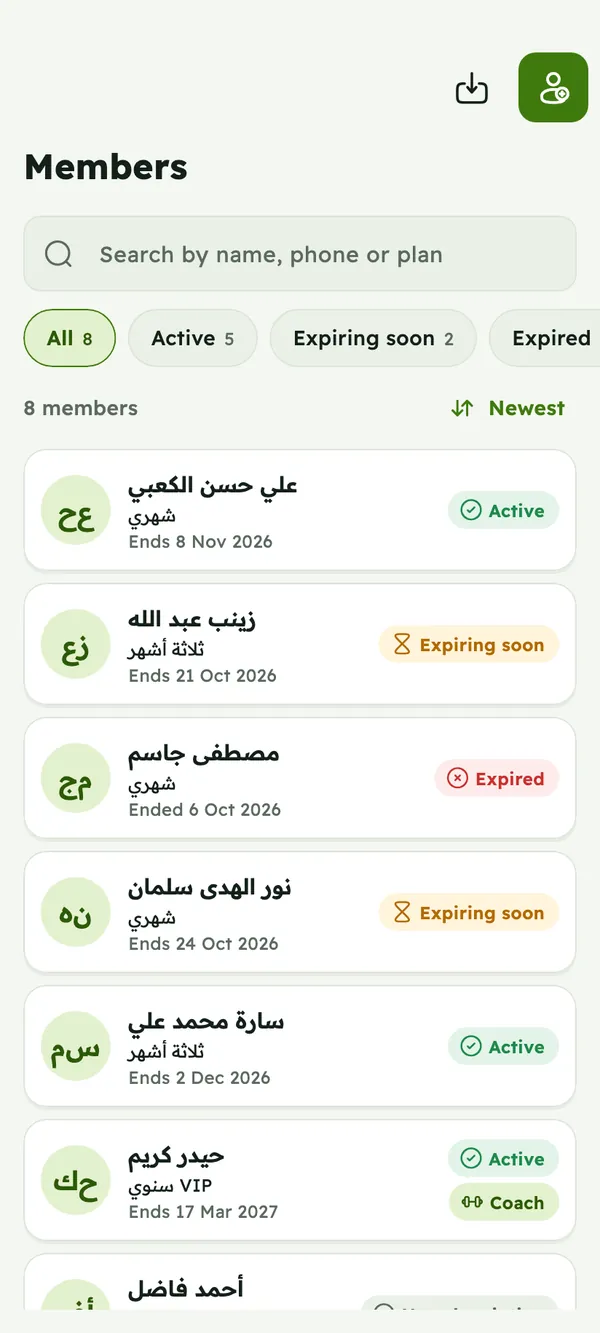
With Qawi: Every member in one list, with their plan, status and phone number.
Before: Renewal reminders sent one by one on WhatsApp
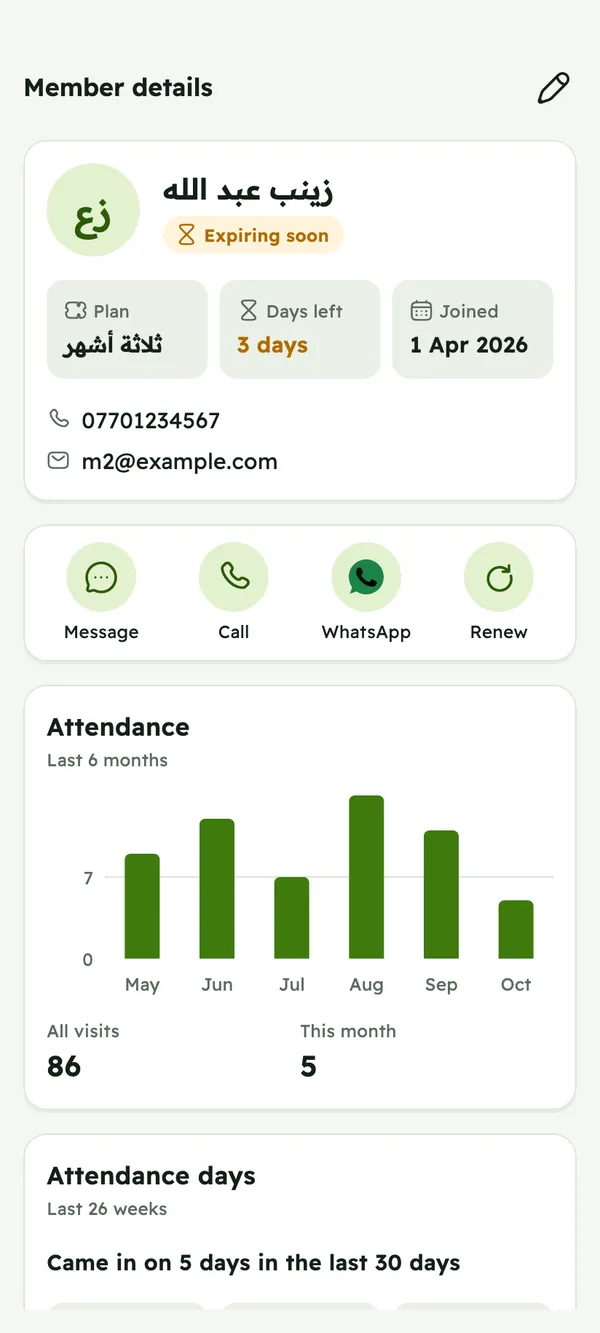
With Qawi: See whose membership ends this week, then call, WhatsApp or renew in one tap.
Before: Expired subscriptions nobody notices
With Qawi: Active, expiring and expired members at a glance, with alerts before memberships end.
Before: No record of who came in
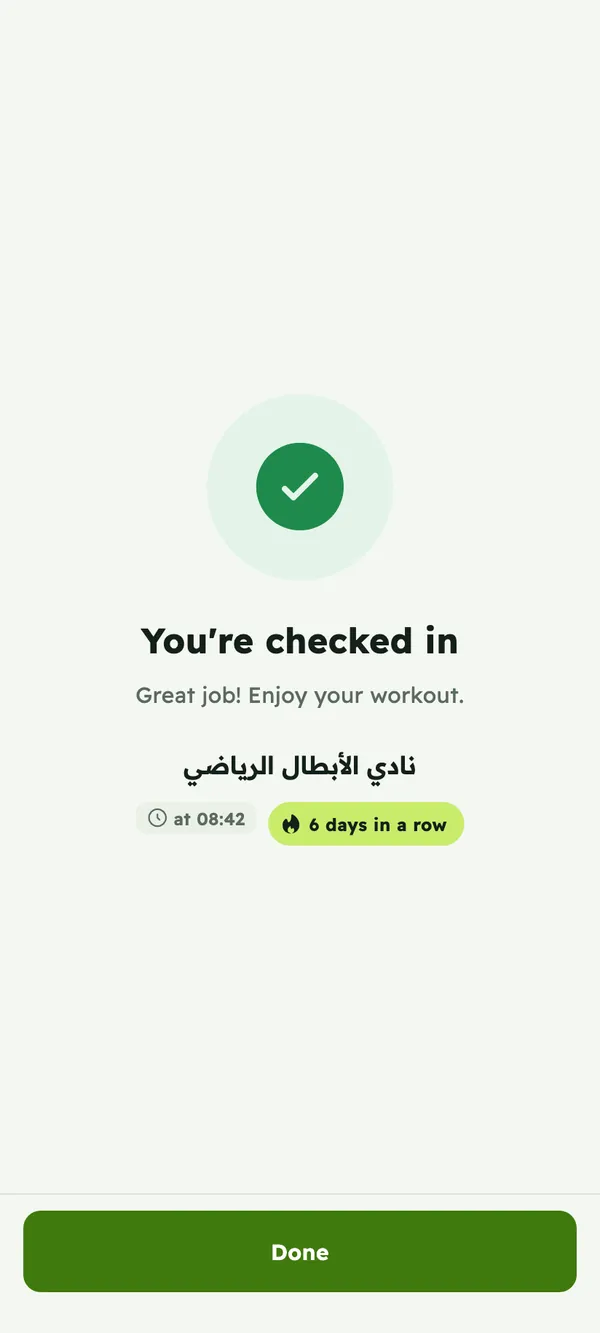
With Qawi: Members scan your gym's QR code with the app, and every visit is saved.
Before: Coaches aren't connected to members
With Qawi: Make members coaches, assign trainees to them, and let them send workout and meal plans.
Before: No clear picture of revenue or growth
With Qawi: Revenue by month and per currency, new and lost members, check-ins and more.
For gym owners
From your first member to several gyms, on your phone or on the web.
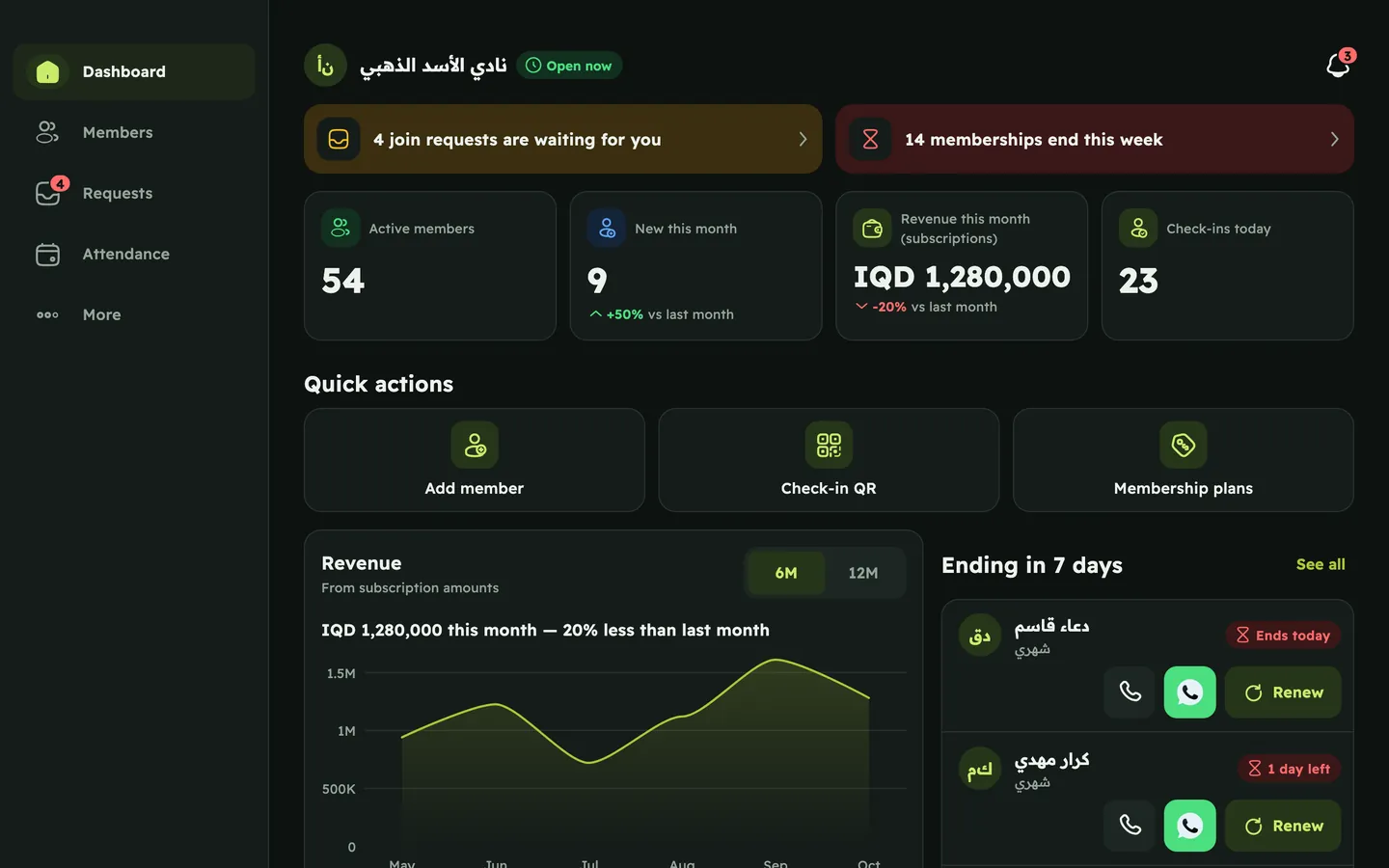
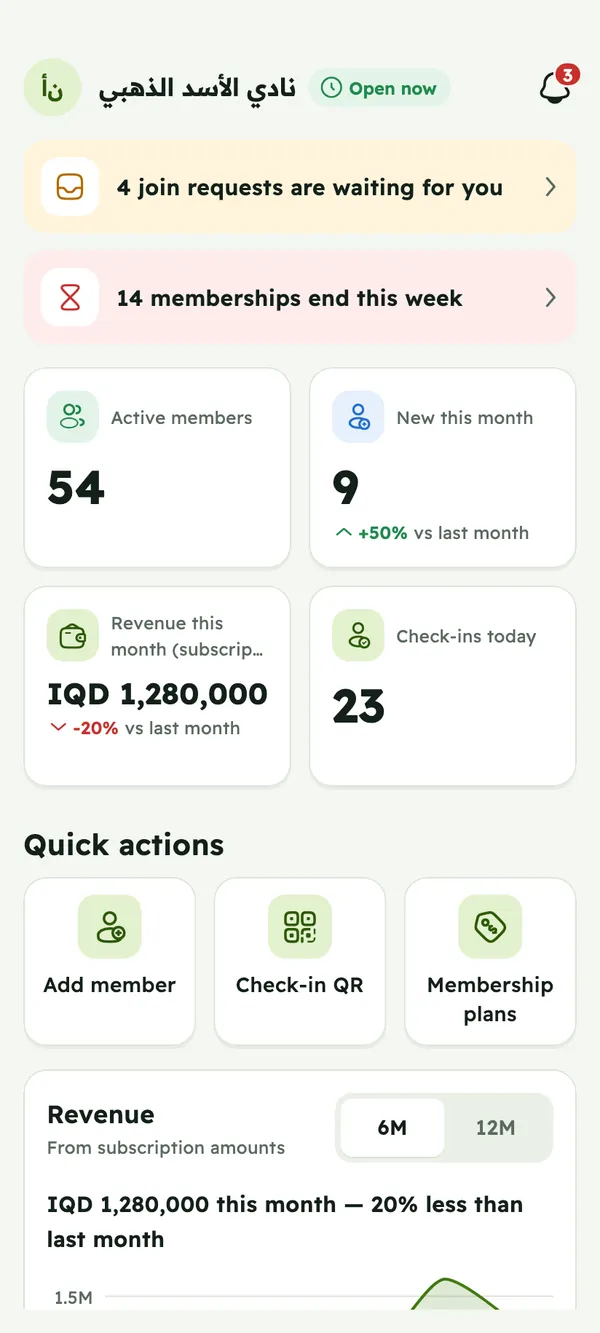
Revenue by month and per currency, active, expiring and expired members, check-ins, members per plan, and who joined or left.
Add a member and their email becomes their login. Renew in one tap, and get alerts before memberships end.
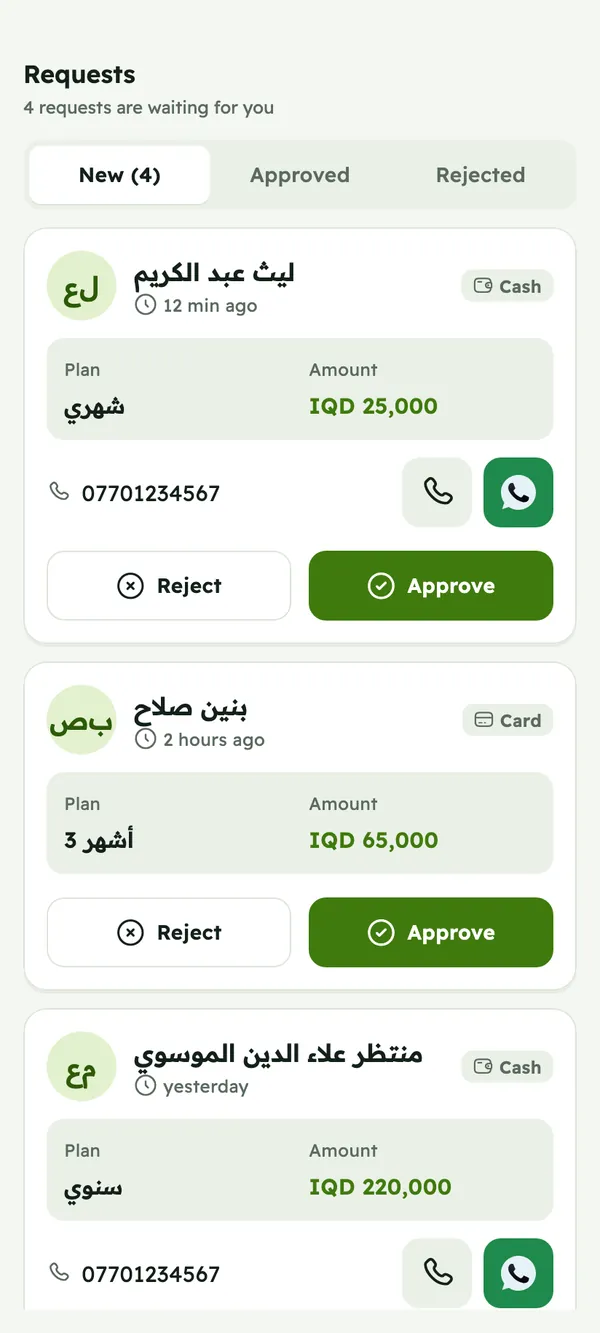
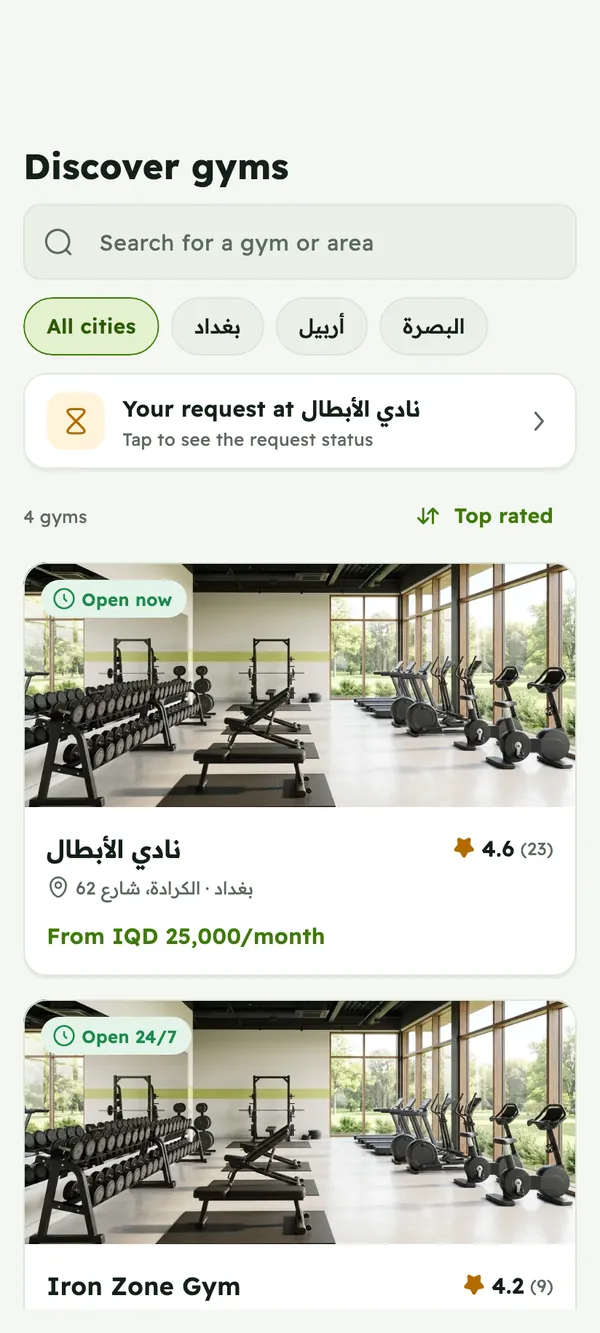
People find your gym in the app and send a request. You approve or reject it.
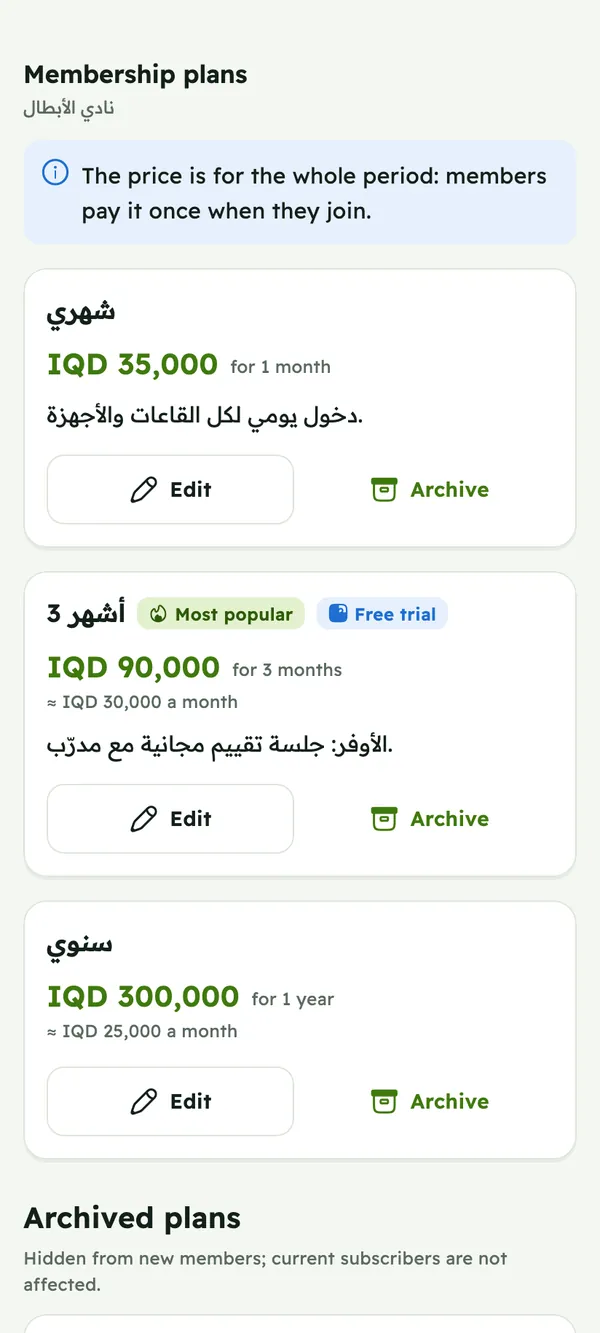
Create membership plans with the length and price you want, in any currency.
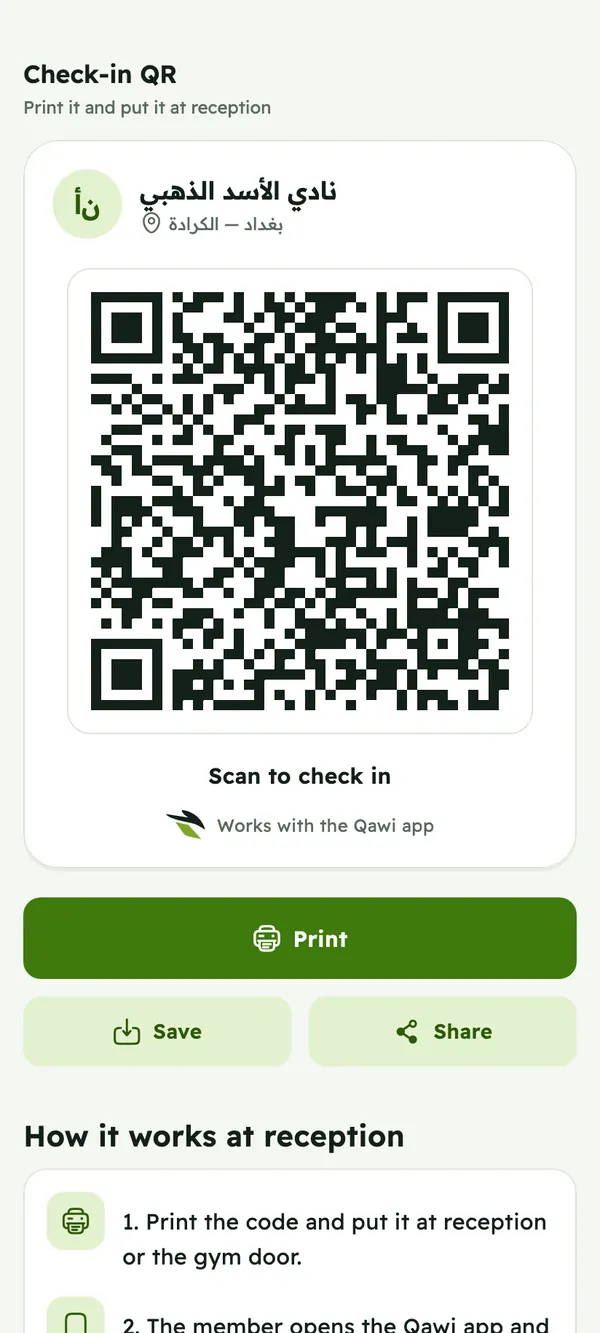
Print your gym's QR poster and put it at reception. Members scan it with the app to check in.
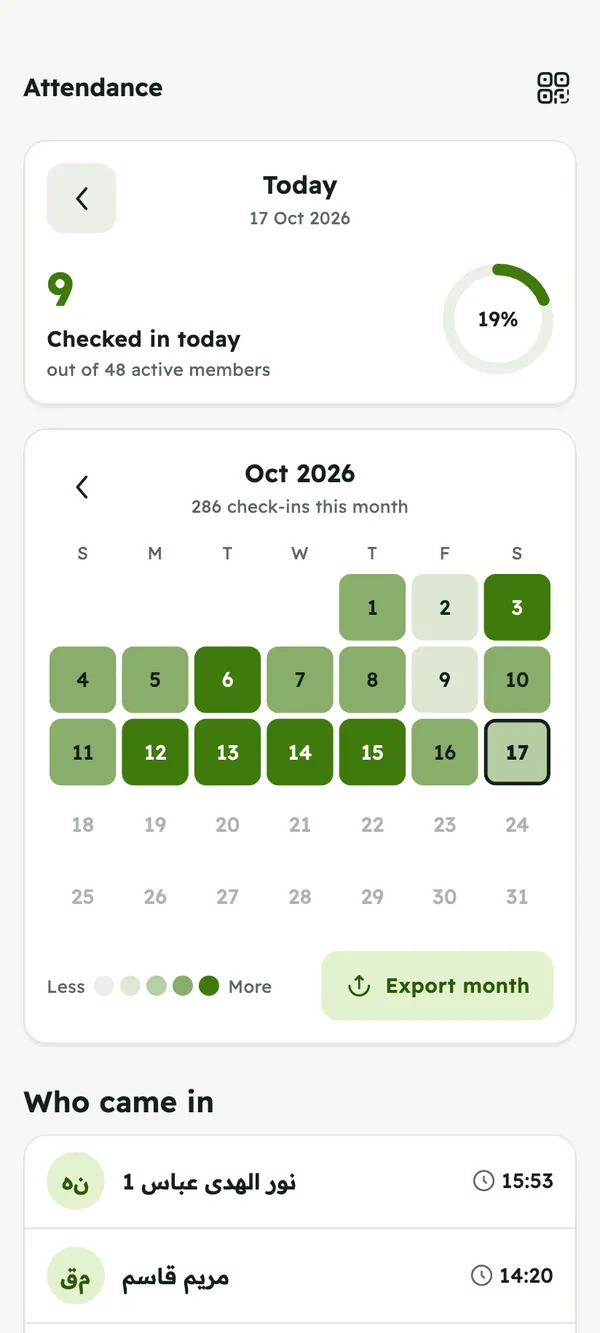
See who came in today and on every day of the month, and export the month.
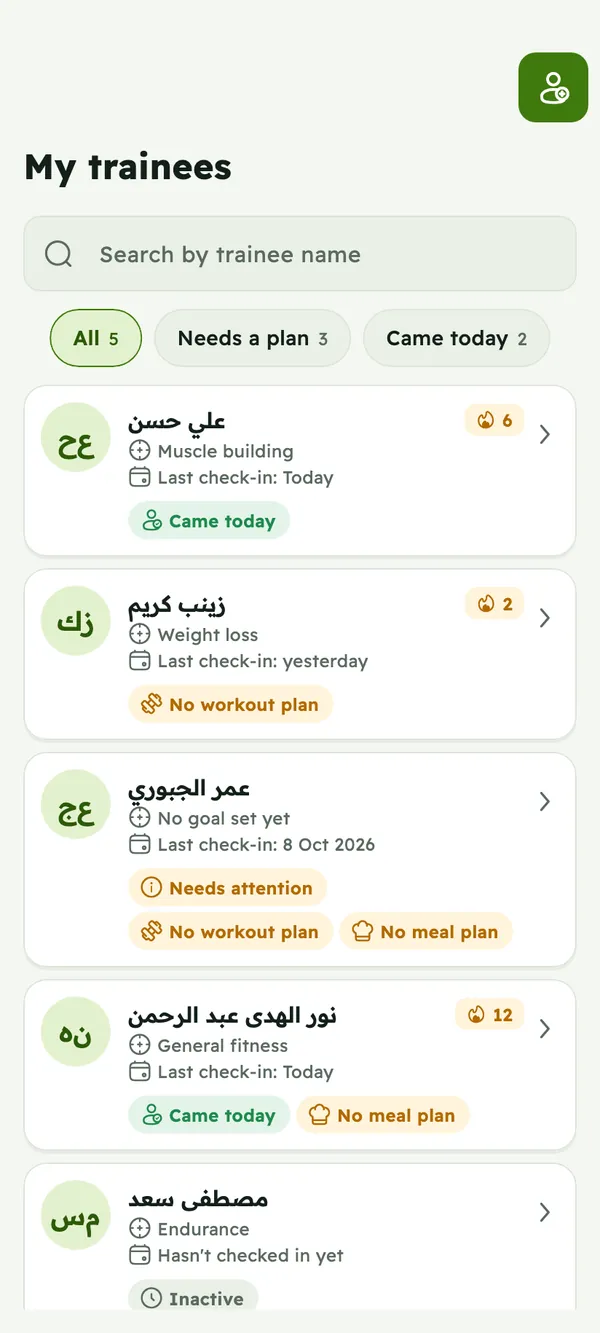
Promote any member to coach and assign members to each coach.
Get notified about join requests, check-ins and messages.
Photos, opening hours, location and amenities on the gym page members see in the app.
Members rate your gym, and you see what they say.
Manage several gyms from the same owner account.
Use the app on your phone, or manage your gym in any browser at app.theqawi.com.
The app
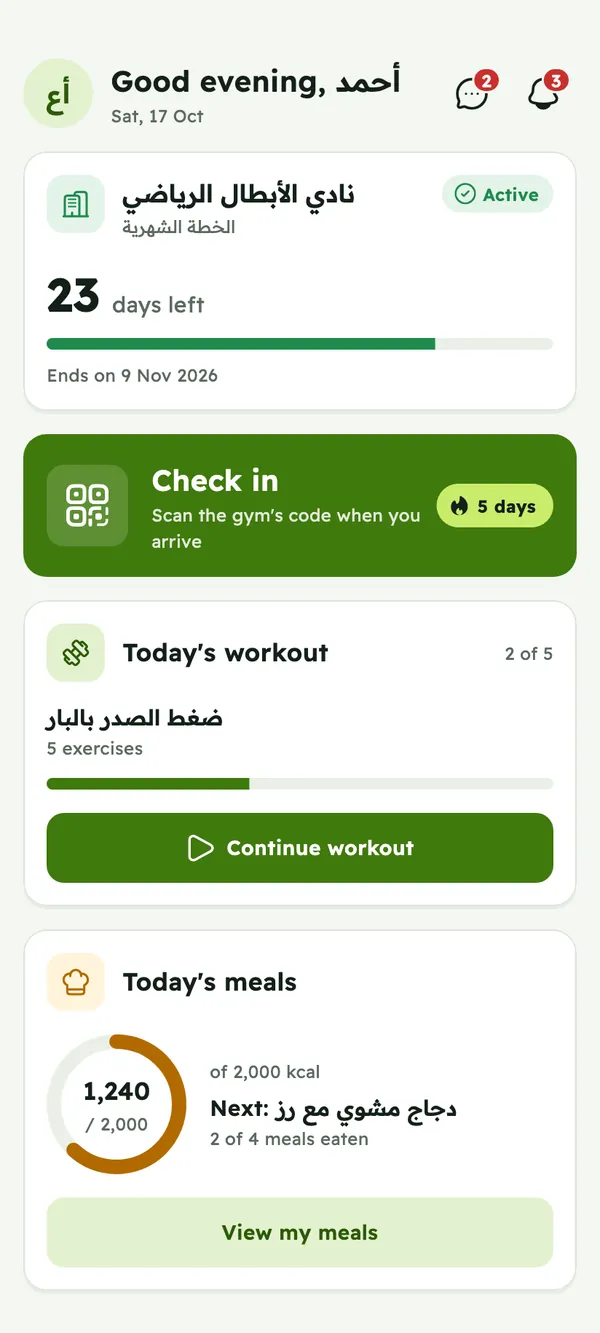
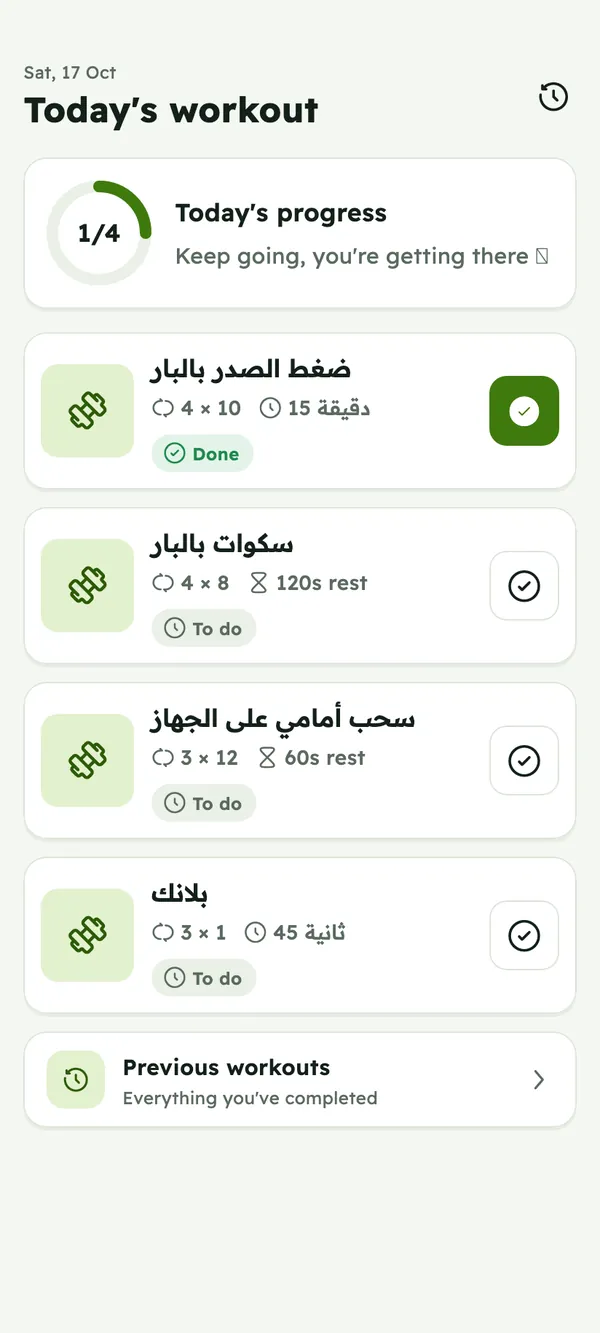
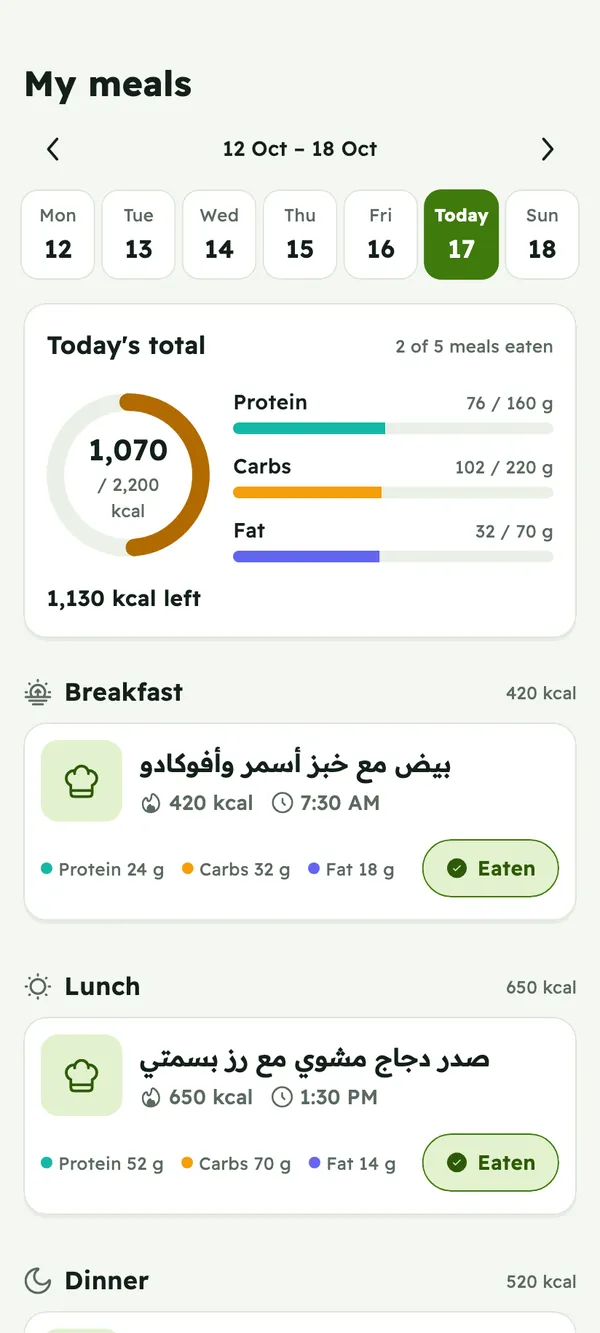
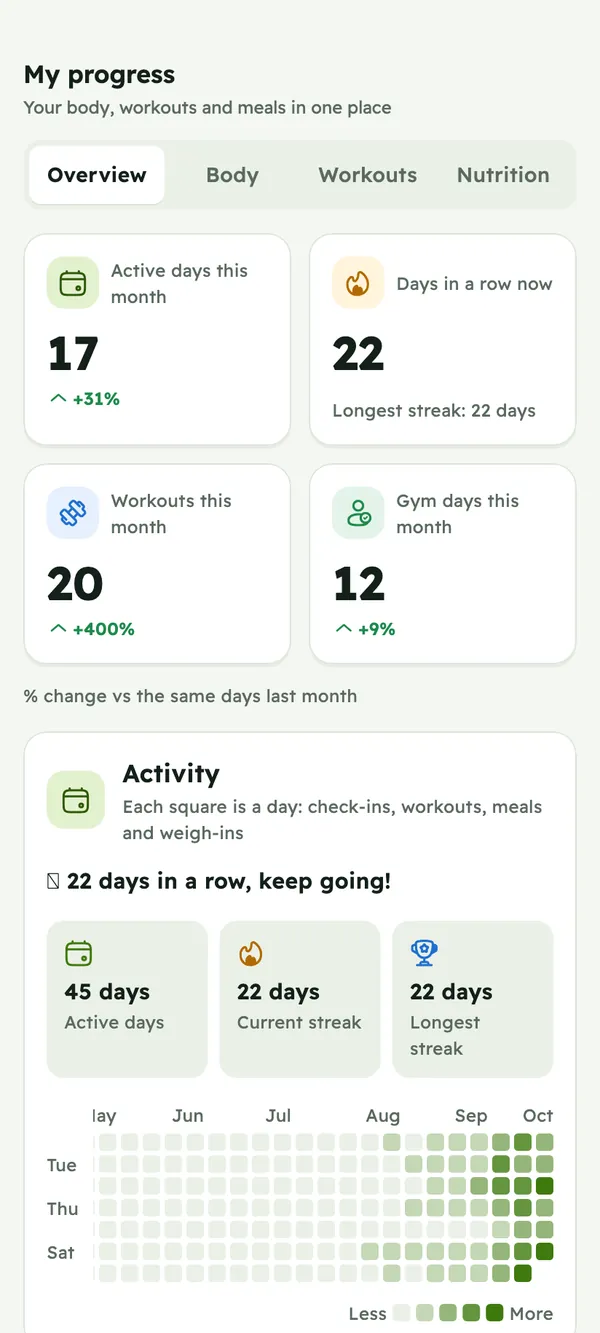
Real screens from Qawi, filled with demo data. Pick a role to see what each person gets.
Everything from the owner features above, in your pocket.
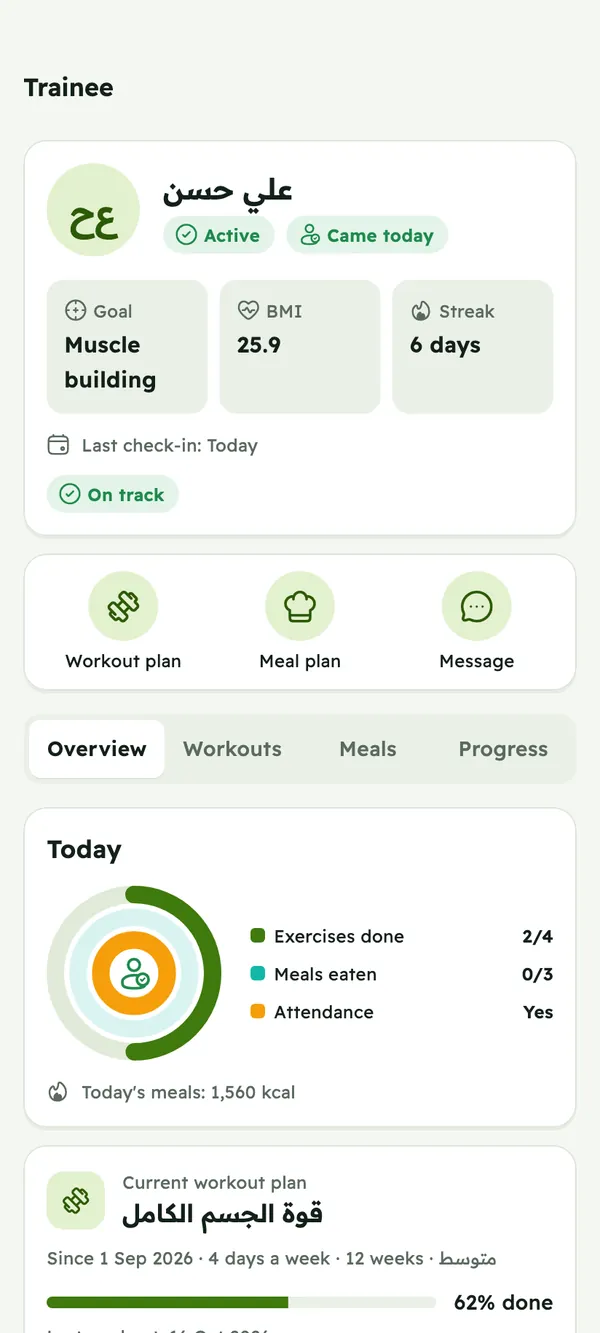
A coach is a member you promote. They get coaching tools in the same app.
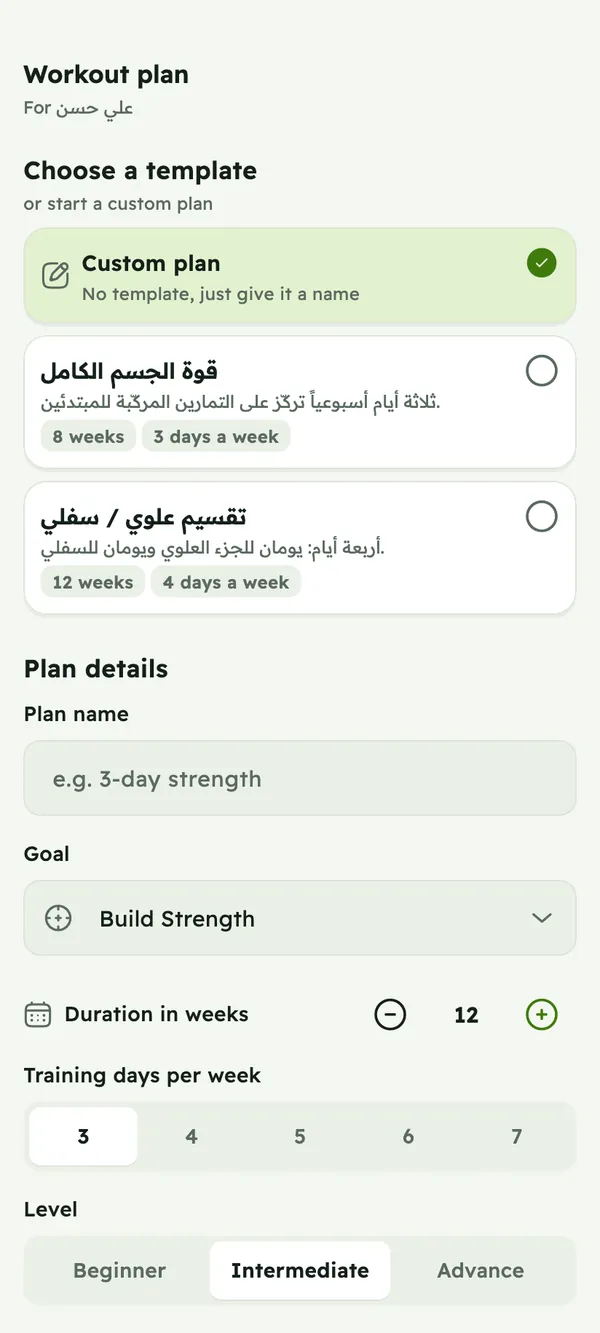
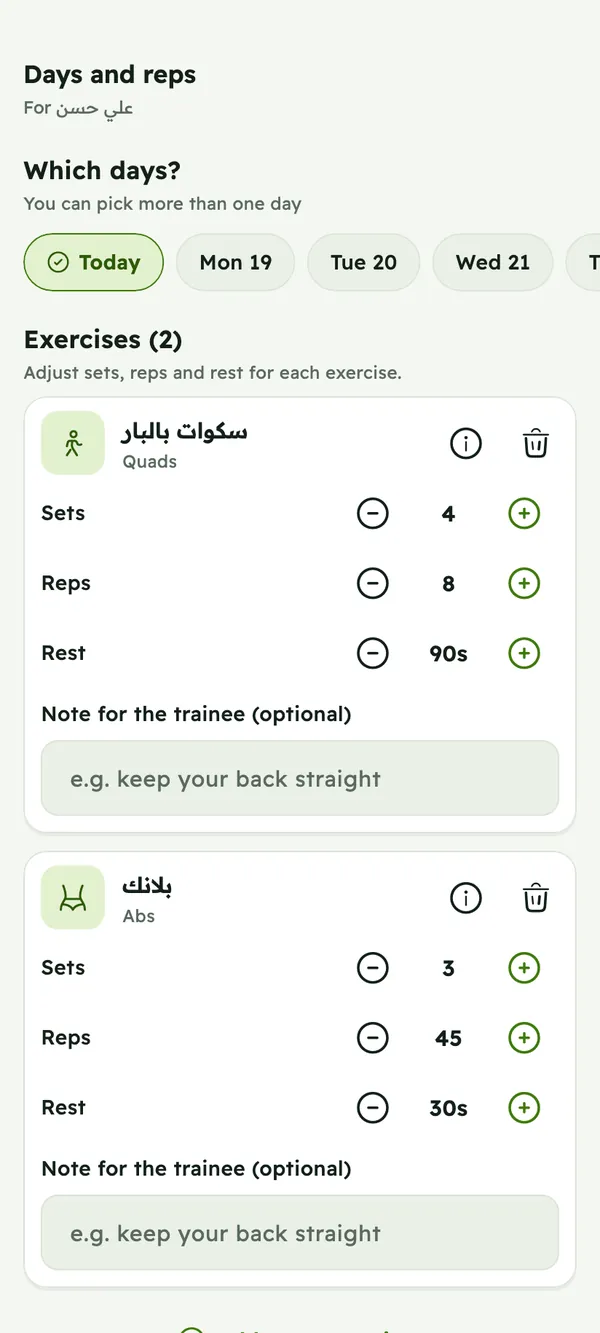
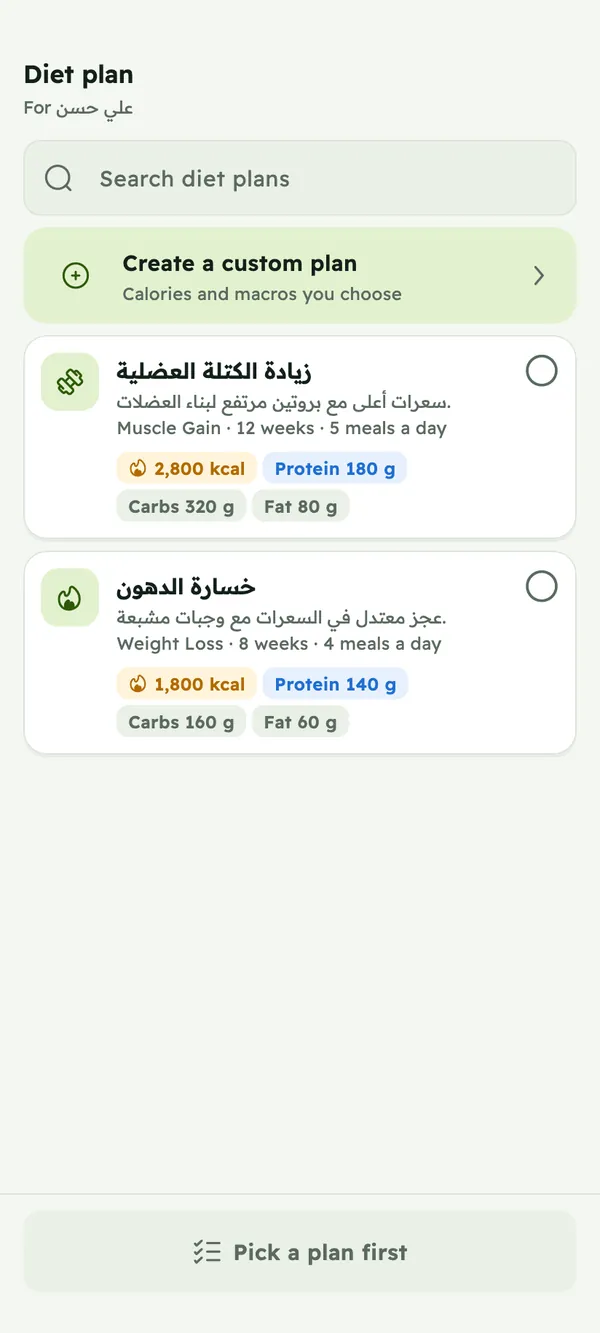
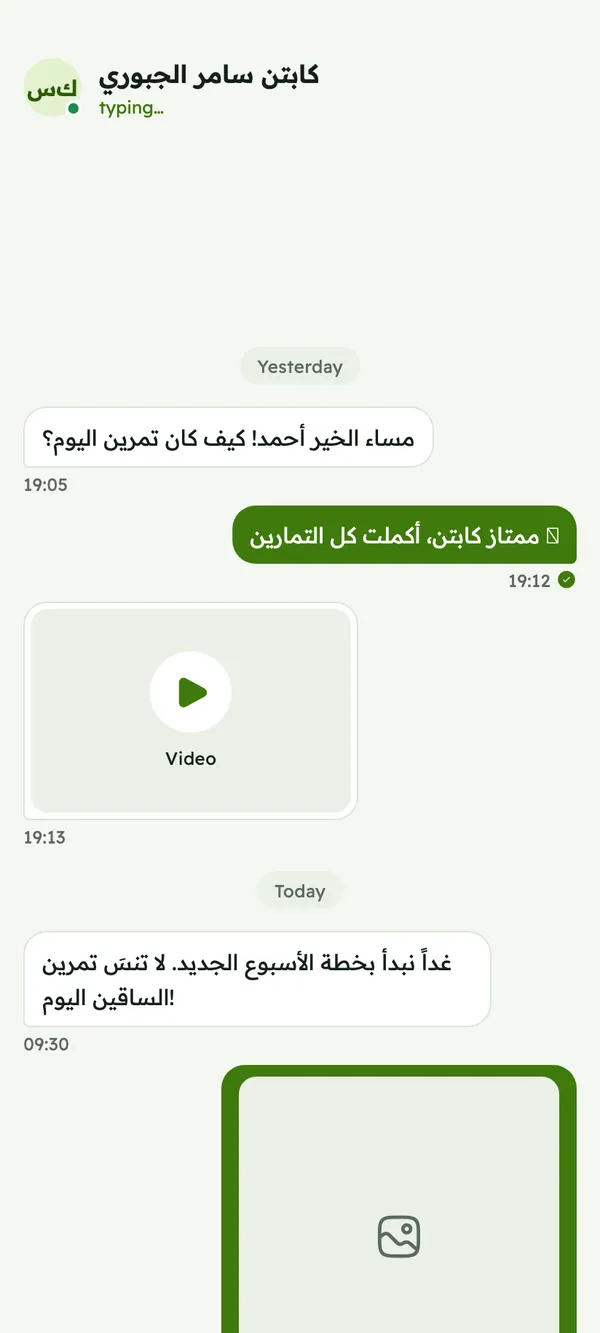
Your members get one app for their membership, workouts and meals.
How it works
On the web or in the app: name, opening hours, location, plans and photos.
Our team checks your details, usually within 2 to 3 business days, and notifies you.
Set your prices, add your members and print your check-in QR poster.
Members join from the app and scan your QR code when they arrive.
Platform
The whole app in three languages, right to left for Arabic and Urdu.
Pick the look you like on every screen.
Country and phone code pickers, states or governorates, and any currency.
On Google Play now. The iPhone app is coming soon.
Manage your gym from any browser.
Pricing
Start free, upgrade when your gym needs more.
Register your gym and start using Qawi at no cost.
For owners
A subscription for your gym: monthly, quarterly or yearly, through Google Play or the App Store.
Prices are shown in the app.
Chat and notifications for everyone, on every plan.
Members pay your gym directly, in cash or by card at reception, and you record the payment in Qawi.
FAQ
Gym and club owners, their coaches and their members. It's one app, and what you see depends on your role. Owners can also manage the gym on the web.
No. Members pay your gym directly, in cash or by card at reception, and you record the payment in Qawi. Qawi never holds your members' money.
You can start for free. Qawi Pro is an optional owner subscription, monthly, quarterly or yearly, paid through Google Play or the App Store. Current prices are shown in the app. Chat and notifications are always free.
Unlimited members, full gym insights, and full access to Qawi for all of your gym's members.
They find your gym in the app and send a join request, which you approve or reject. You can also add a member yourself, and their email becomes their login.
Print your gym's QR poster and put it at reception. Members open the app, tap “Check in” and scan it. The visit shows up in your attendance right away.
The Qawi team reviews every new gym before members can see it, usually within 2 to 3 business days. You get a notification with the result.
Not yet. The Android app is on Google Play and the iPhone app is coming soon. Owners can use the web app on any device in the meantime.
No. Use the app on your phone, or open the web app in any browser.
Arabic, English and Urdu. Qawi works in any country, with country and phone code pickers, states or governorates, and any currency for your plans.
Yes. You can run several gyms from one owner account.
Yes. Anyone can train on their own with workouts, meals and progress tracking, and join a gym later.
Yes, in the app: owners under More → Settings, members and coaches under Me. You can also ask us by email.
How to delete your accountRegister your gym in a few minutes. It's free to start.
Questions? Email us at support@theqawi.com